
Below are resources to help you learn how to use Google applications and communication platforms.

Learn Google Drive
Organize, manage, and share files, using folders, in Google Drive.
Drive is integrated with Brightspace, Gmail, Rooms, Chat, and more.
Be sure to use your @maine.edu account to access your university Google apps. Web (drive.google.com), Android, or iOS
Learn Google Docs
Use Docs to create documents for term papers, resumes, general notes, or even to write your own book.
Docs is automatically integrated to all other google apps and can be saved directly into your drive for organization.
Learn Google Slides
Use presentation themes, text, and transitions to show gathered data or formal information for classes and business use.
Learn Google Sheets
Keep track of finances, collect numerical information, and organize spreadsheets for projects all in the same place.
Communication channels in the integrated Gmail experience
Quickly choose the right communication channel for any task—and stay in control across everything that demands your attention—all from within Gmail.
Learn Gmail

Learn the basic components of Gmail to help you send and receive emails.
Top 10 things to know about the integrated Gmail experience.
When to use Email
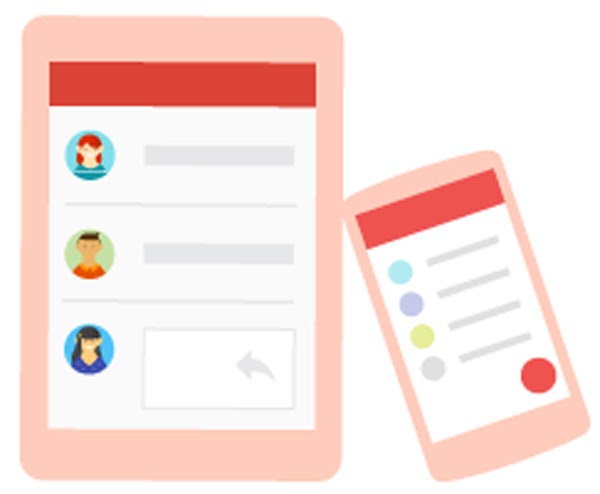
Formal and Structured
- Share detailed information.
- Use error-free grammatically correct writing.
- Use schedule send to send email later.
- Get responses when it’s convenient for recipients (asynchronous communication).
- Send documents and other files as attachments.
Learn Google Chat
Google Workspace: Google Chats
Use Google Chat to communicate with your team, customers, or business partners.
Use Chat in Gmail for one-on-one or informal group conversations.
When to use Chat
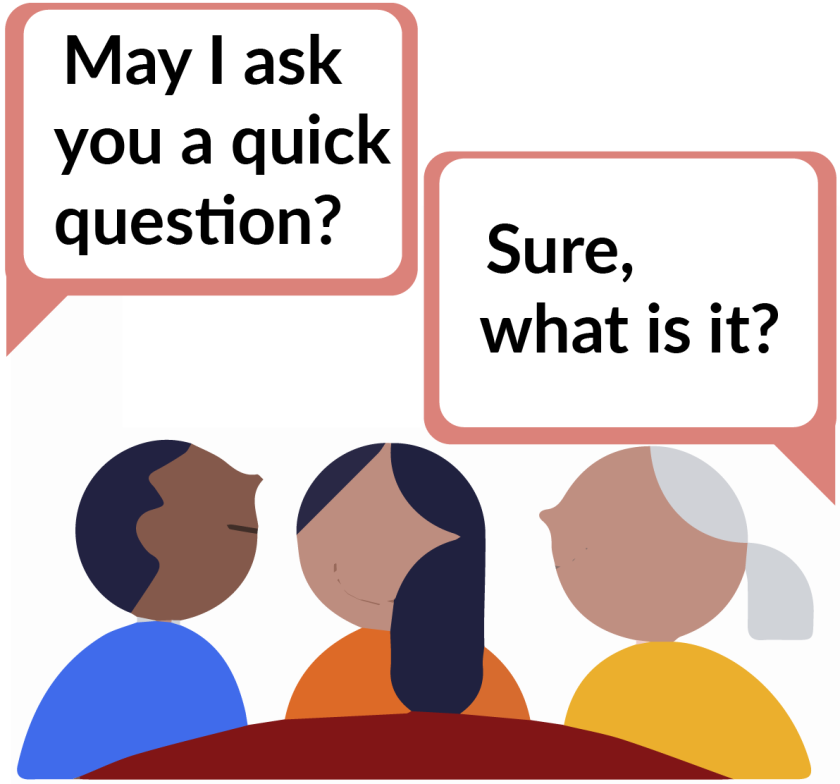
Informal and Fast
- Send quick text messages to one or more people.
- Group size—Usually very small. 5 people or fewer.
- Fast-moving, text-based conversation.
- Longevity—Short. Conversations are quick and to the point.
- Interactivity—Low. Typically minimal discussion.
- Moderation—None.
- Privacy—Only open to people you add when you start the chat.
Other Resources

Google Workspace: Learning Center
The Google Learning Center is a self help, one stop area for those wishing to dive deeper into the various google apps.
Contact the UMA Student Tech Hub for Live Support
Virtual support:
Chat, Phone & Zoom
Monday through Friday
10am-4pm