

Drive is integrated with Brightspace, Gmail, Rooms, Chat, and more. Drive lets you keep all your work in one place, view different file formats without buying extra software, and access your files from any device.
Keep all your work in one secure place with online file storage.
After you store your files in Google Drive, you can, share them to your Brightspace course, share them with others and access them on any computer, smartphone, or tablet. When you change or delete a file stored in one of these locations, Drive makes the same change everywhere else so you don’t have to.
Be sure to use your @maine.edu account to access your university Google apps. Web (drive.google.com), Android, or iOS
Uploading content is easy
with Google Drive
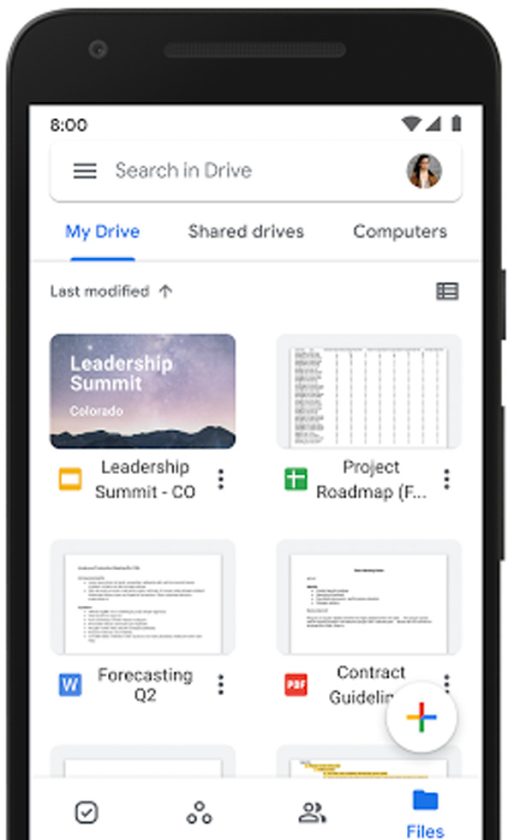
Searching for files in Google Drive is quick, easy, and intelligent
Drive Quick Start
View as website (Best for accessibility)
1. Create a New File

2. Work with Files

3. Share

4. Add Shared Files to My Drive
5. Access from Any Device
Contact the UMA Student Tech Hub for Live Support
207.621.3123 in Live Zoom or Live Chat
Quick Links
- MY UMA
- Apply to UMA
- Attend Student Orientation
- Emergency Notification Alert System
- IT Help
- Libraries
- MaineStreet
- My OneCard
- Navigate
- Select Classes
- Trail Blazer Workshop Series
- Student Support & Development
- Student Handbook
- Veterans & Military Services
UMS User Account Management
- Activate your UMS account (Activation Key Required)
- Change your password
- Recover a lost password
Moose Messages

This Q&A site is a place to ask your college questions and have them answered by a staff member. To get started, ask a question above.