


Learn Google Drive
Learn Google Docs
Learn Google Slides
Learn Google Sheets
Organize, manage, and share files, using folders, in Google Drive.
Drive is integrated with Brightspace, Gmail, Rooms, Chat, and more.
Be sure to use your @maine.edu account to access your university Google apps. Web (drive.google.com), Android, or iOS
Drive Cheat Sheet
Google Workspace: Docs
Use Docs to create documents for term papers, resumes, general notes, or even to write your own book.
Docs is automatically integrated to all other google apps and can be saved directly into your drive for organization.
Docs Cheat Sheet
Google Workspace: Slides
Use presentation themes, text, and transitions to show gathered data or formal information for classes and business use.
Slides Cheat Sheet
Google Workspace: Sheets
Keep track of finances, collect numerical information, and organize spreadsheets for projects all in the same place.
Sheets Cheat Sheet
Communication channels in the integrated Gmail experience
Quickly choose the right communication channel for any task—and stay in control across everything that demands your attention—all from within Gmail.
Learn Gmail

When to use Email
Learn Google Chat
When to use Chat
Google Workspace: Gmail
Learn the basic components of Gmail to help you send and receive emails.
Top 10 things to know about the integrated Gmail experience.
Formal & Structured
- Share detailed information.
- Use error-free grammatically correct writing.
- Use schedule send to send email later.
- Get responses when it’s convenient for recipients (asynchronous communication).
- Send documents and other files as attachments.
Google Workspace: Google Chat
Use Google Chat to communicate with your team, customers, or business partners.
Use Chat in Gmail for one-on-one or informal group conversations.
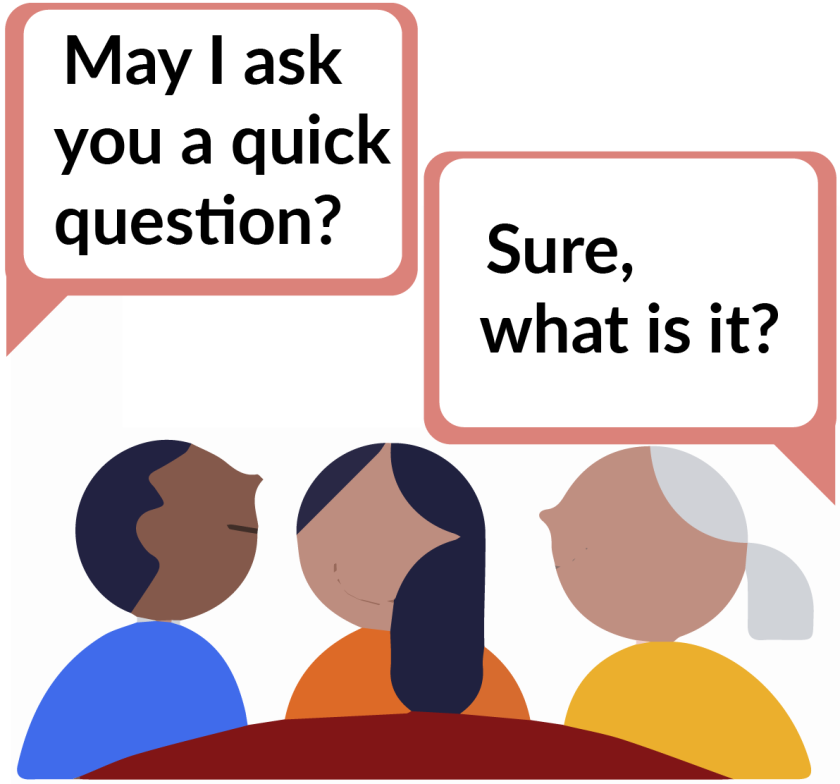
Informal & Fast
- Send quick text messages to one or more people.
- Group size—Usually very small. 5 people or fewer.
- Fast-moving, text-based conversation.
- Longevity—Short. Conversations are quick and to the point.
- Interactivity—Low. Typically minimal discussion.
- Moderation—None.
- Privacy—Only open to people you add when you start the chat.
Other Resources

Google Workspace: Learning Center
The Google Learning Center is a self help, one stop area for those wishing to dive deeper into the various google apps.
Additional Learning Center Resources
Contact the UMA Student Tech Hub for Live Support
Virtual support:
Chat, Phone & Zoom
Monday through Friday
10am-4pm